Watching a lot keeps it in one list so you can come back before it closes. Bidding happens in the bid box on the lot page.
Watch a lot
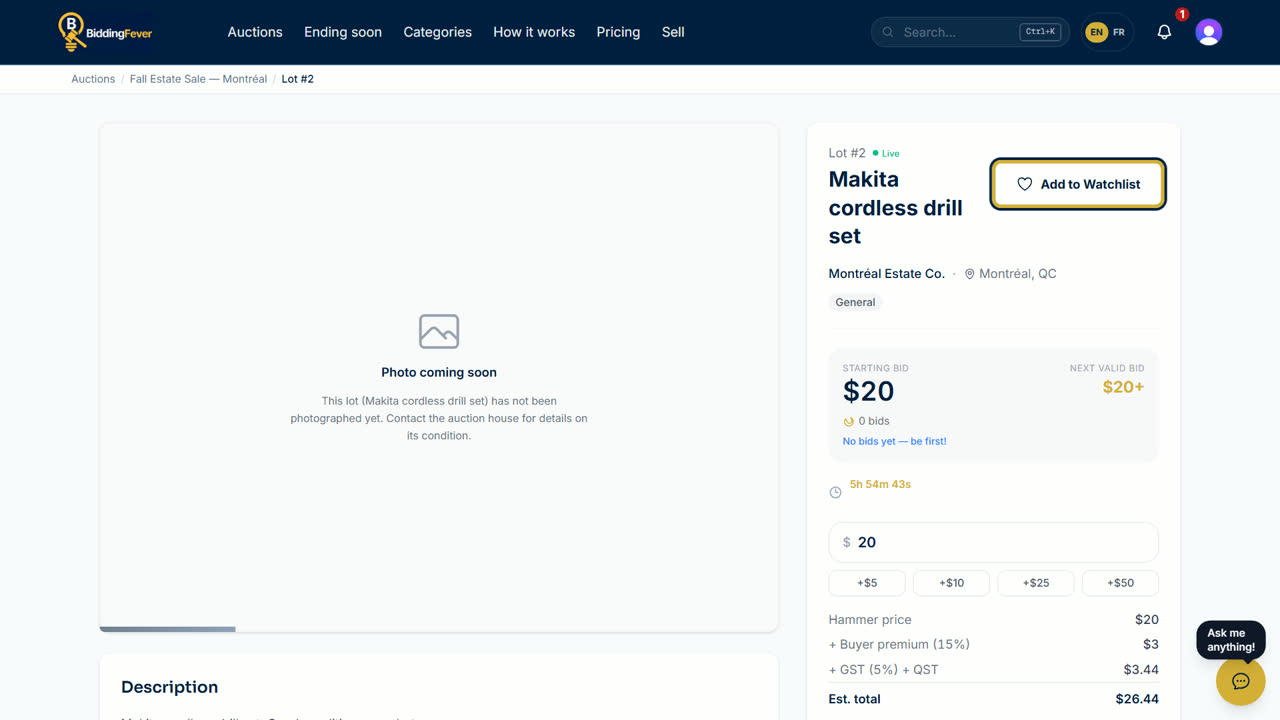
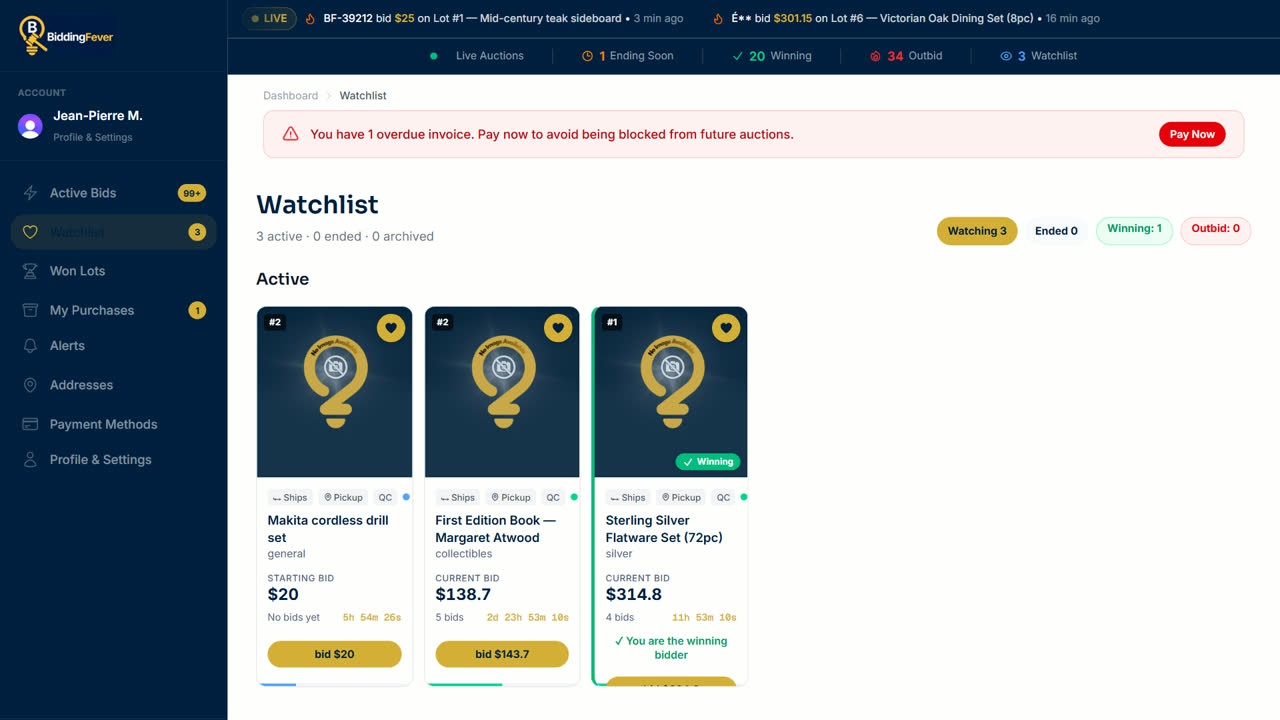
- On a lot page, select Add to Watchlist. The button changes to Watching. On a lot card, tap the heart.
- Find your lots any time under Watchlist in your account.
Place a bid
- Open the lot. The bid box shows the Current Bid and the Next valid bid.
- Type your amount, or use the +$5, +$10, +$25 and +$50 buttons to add to it.
- Check the estimate under it: hammer price, buyer premium, fees and tax make the Est. total.
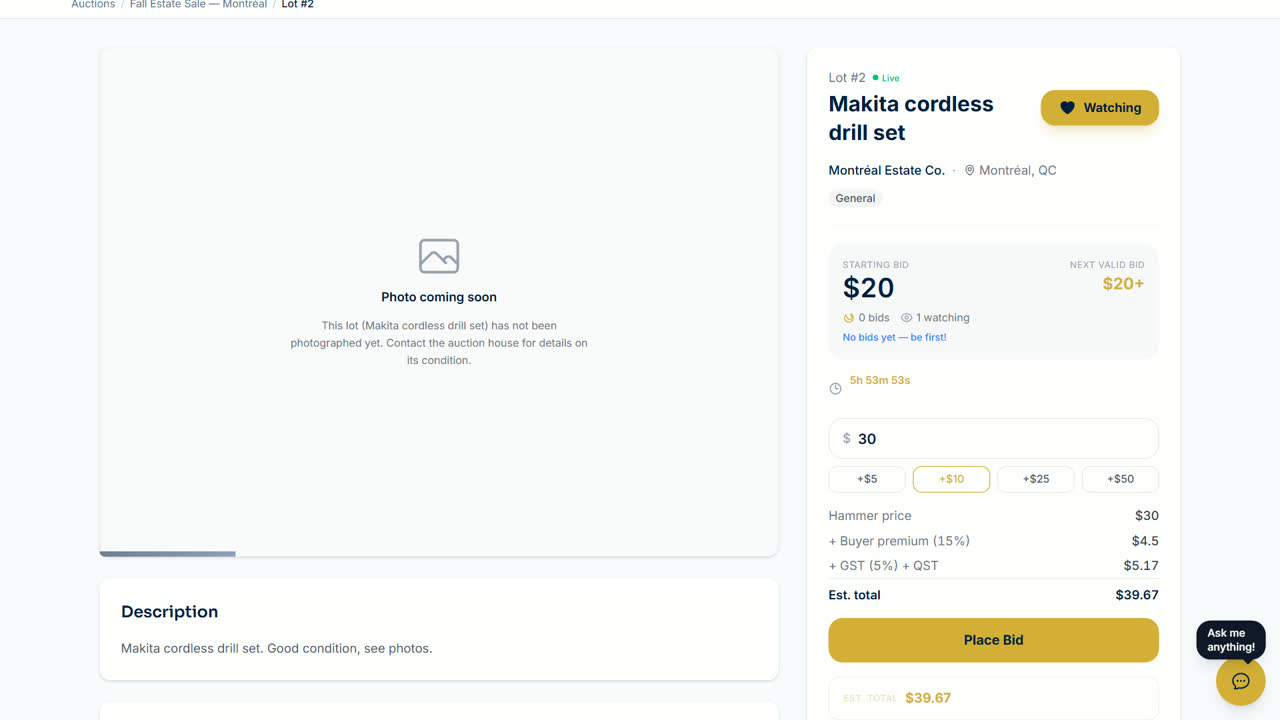
- Select Place Bid. The first time in an auction you register first; see Create an account and register to bid.
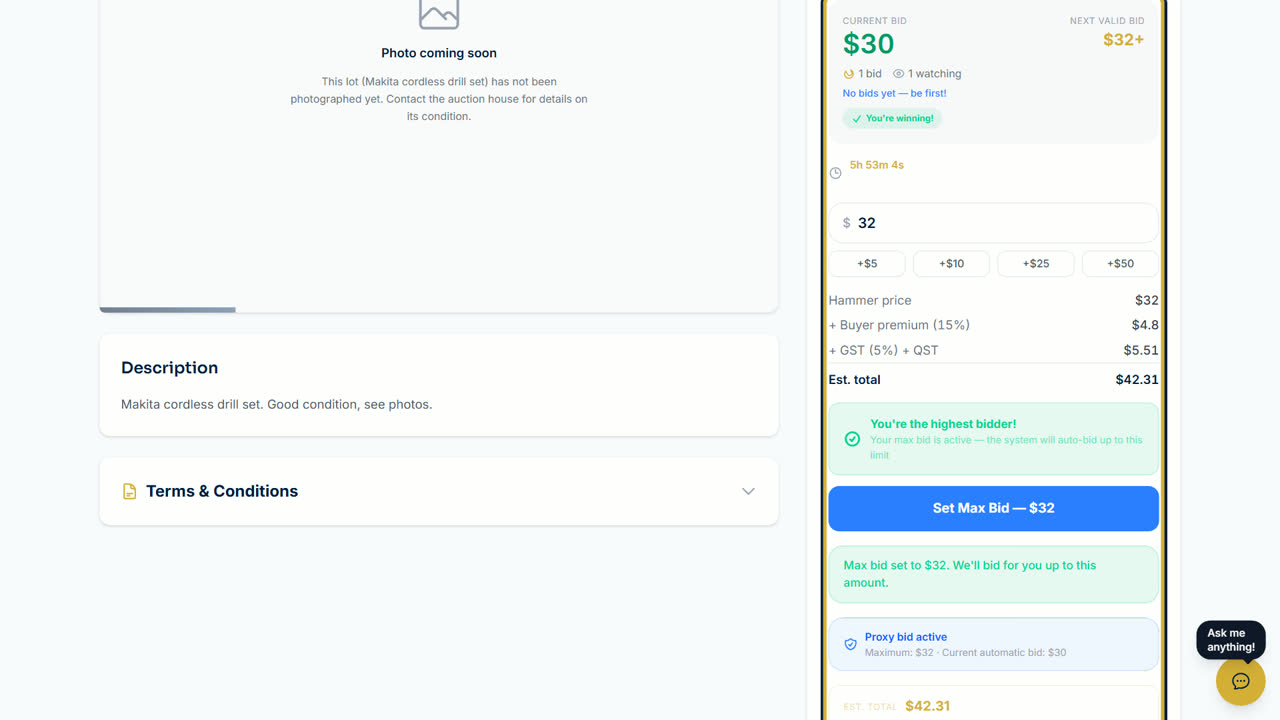
- When you lead, the box shows You're winning!
Set a maximum bid
- While you are the highest bidder, select Set Max Bid under You're the highest bidder!
- Enter the most you are willing to pay. We bid for you, one step at a time, only as much as needed to keep you in the lead, up to that amount.
Tip: each auction sets how much a bid must go up. The next valid bid already follows those steps.
Updated October 8, 2026