Every auction house is checked by our team before it can sell. The application takes about ten minutes and you do not pay anything to apply.
Before you start
- Your business name, and your CRA business number if you have one
- The name, email and phone number of the main contact
- The address of each place where buyers pick up items
Steps
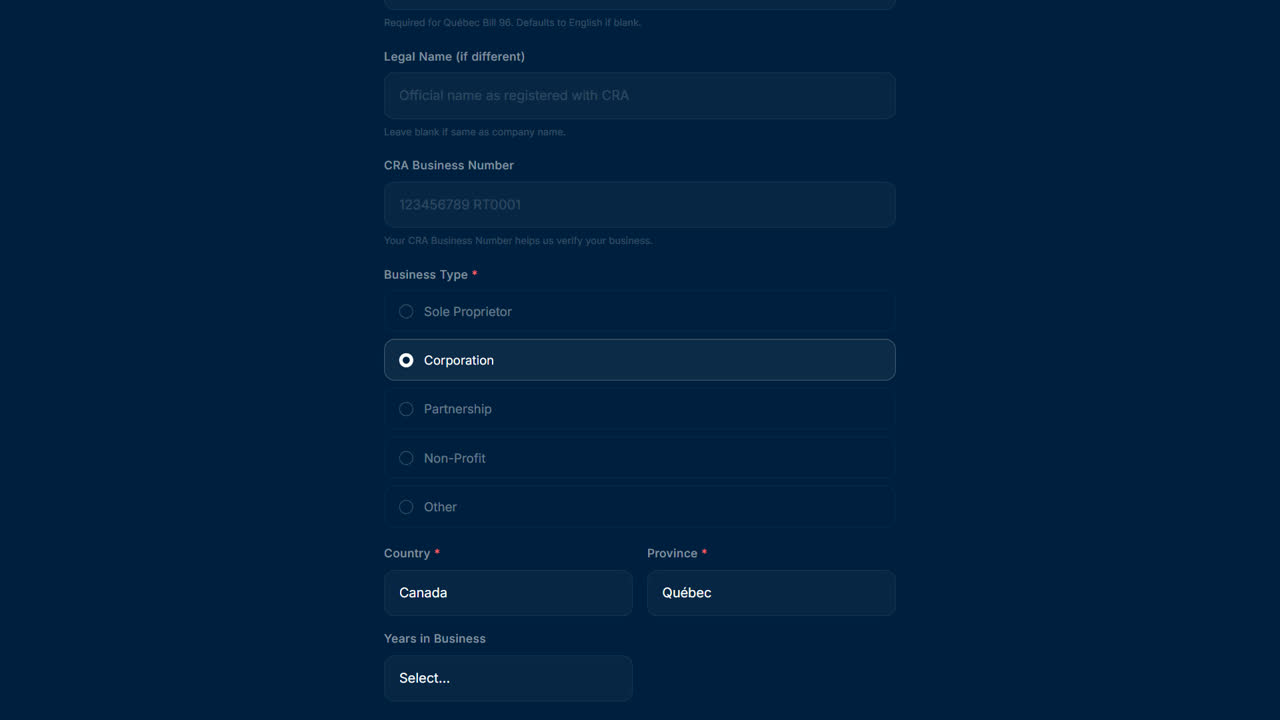
- Business: enter your business name, business type, country and province. The French name, legal name, CRA number, years in business and website are optional. Select Continue.
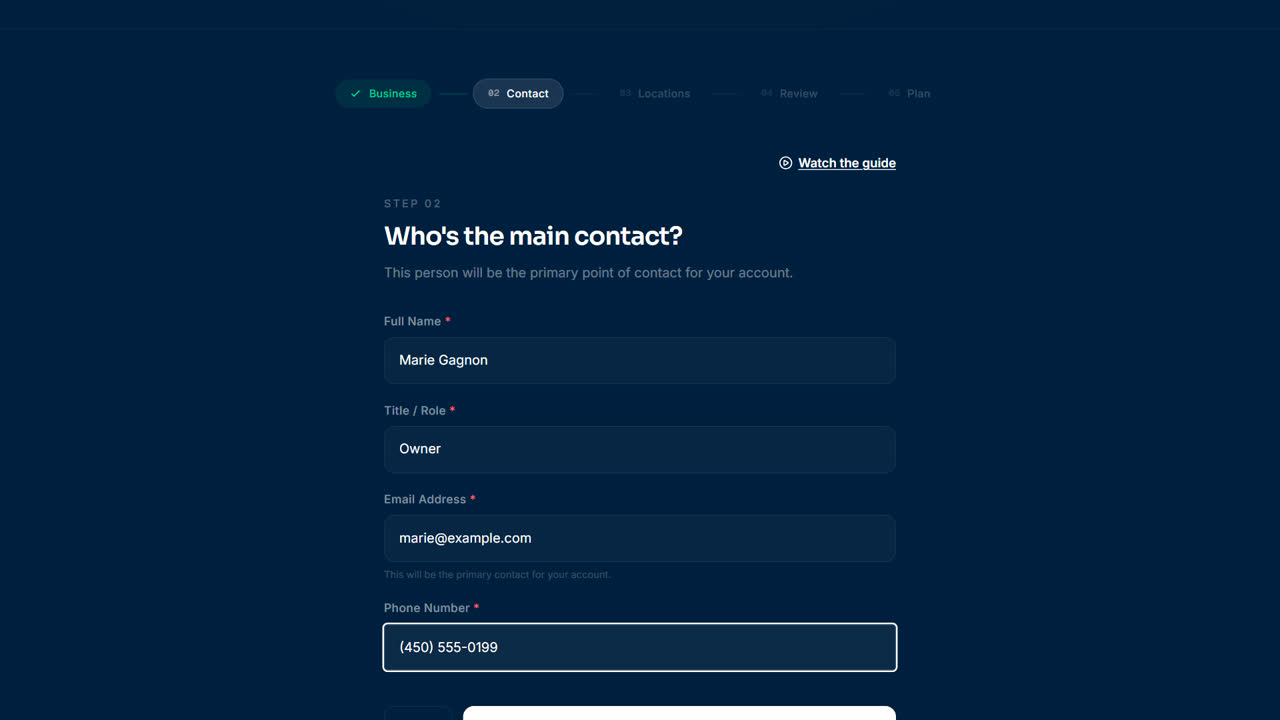
- Contact: enter the main contact's full name, title or role, email address and phone number. Select Continue.
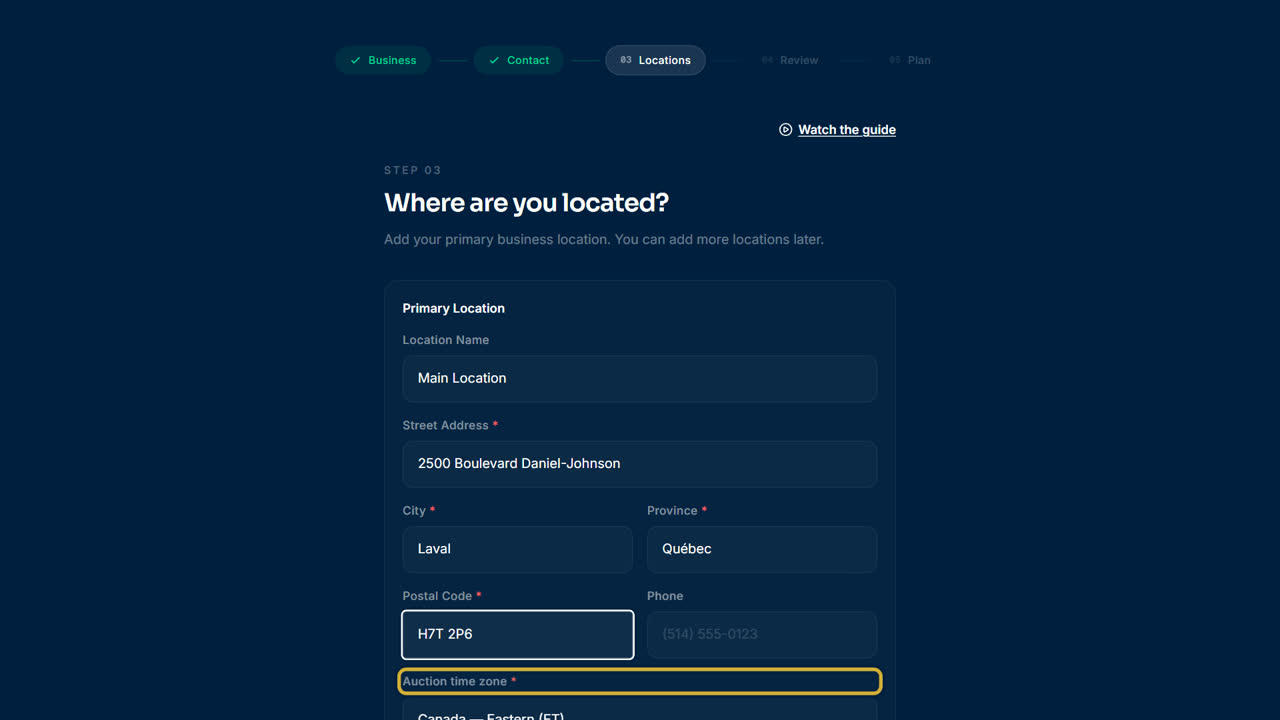
- Locations: enter the street address, city, province and postal code of each pickup location, and pick its auction time zone. Select Add Another Location for up to five locations. Select Continue.
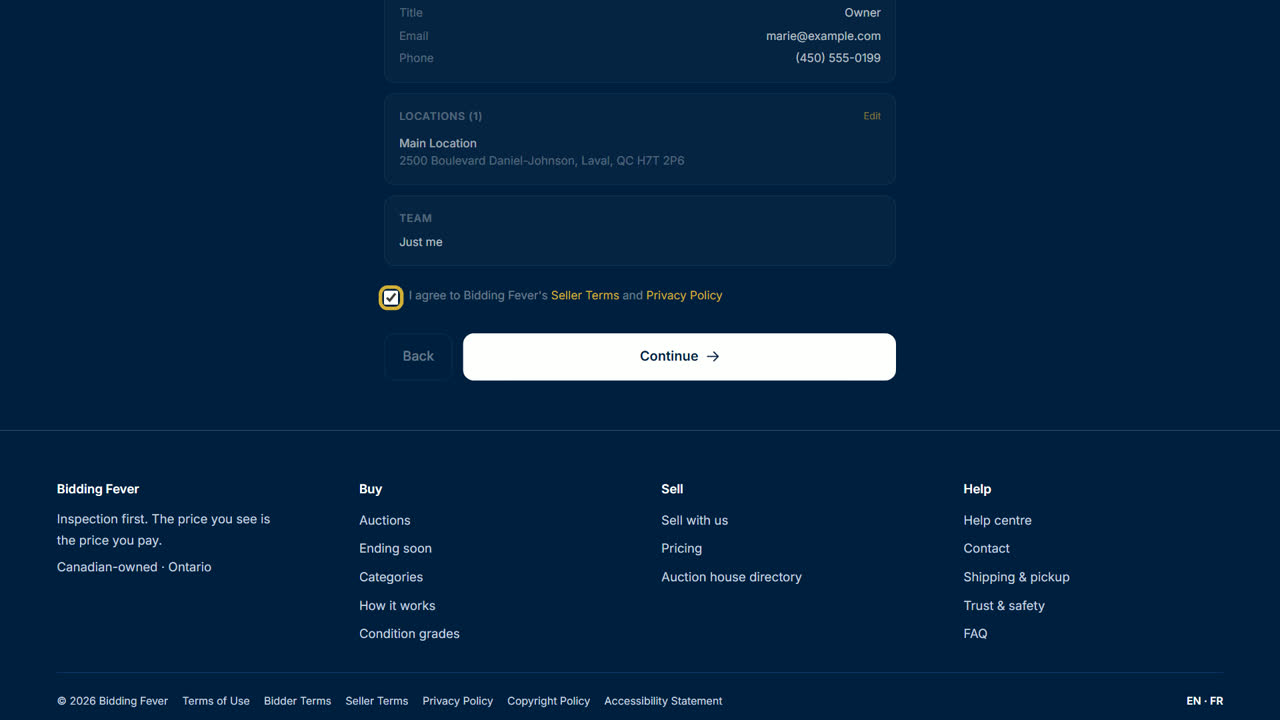
- Review: say how many people need dashboard access, check each section (select Edit to fix one), tick the box to accept the Seller Terms and Privacy Policy, then select Continue.
- Plan: choose Solo, Team or Unlimited. You do not pay now. Select Submit Application.
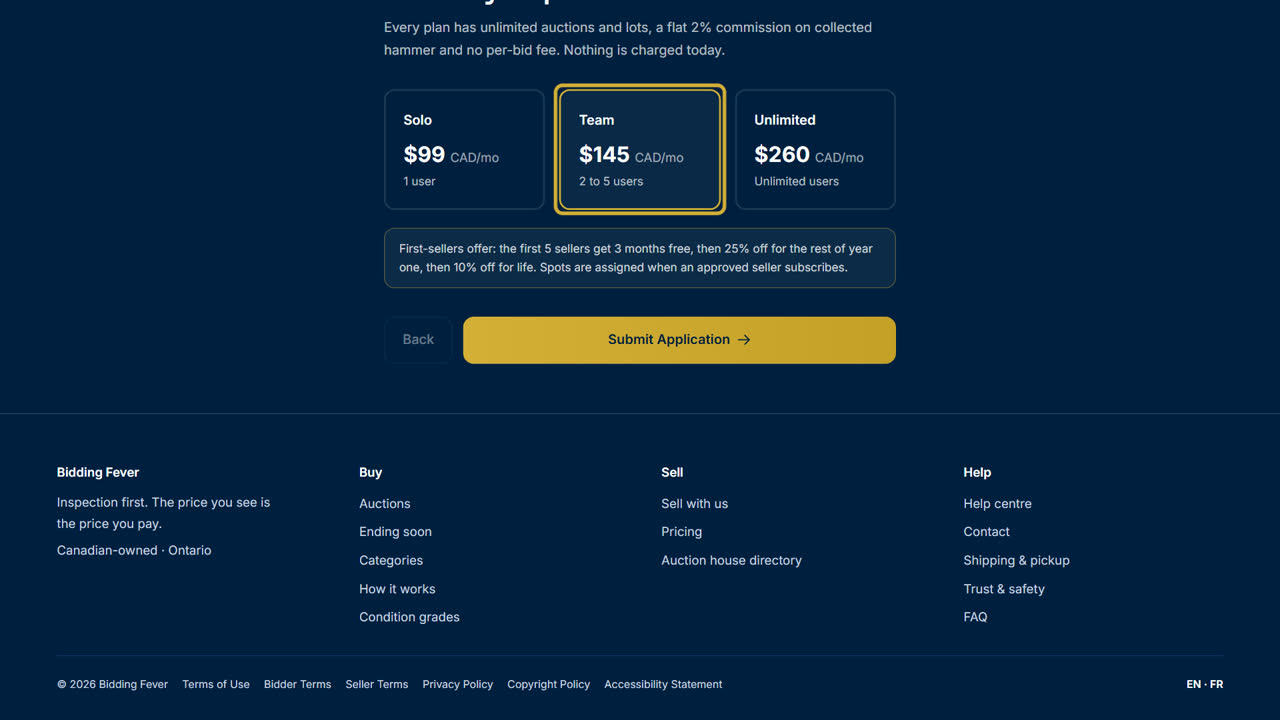
- The message Application Submitted! appears, and we email you to confirm we received it.
What happens next
- Our team reviews your application by hand.
- You get an email when your auction house is approved. If we cannot approve it, the email says so.
- Once approved, sign in, open Settings in the seller portal and choose your plan under Your plan. See Pick a plan and the founding offer.
Tip: use an email address you check every day. Approval and payout messages go there.
Updated October 8, 2026