Card authentication checks that a bidder's card is real and usable before they can bid in your auction. It is optional and set per auction.
How it works
- When a bidder registers for the auction, we place a $1 authorization on their card and release it right away. The bidder is not charged.
- If the check fails, the bidder cannot register until they add or verify a card.
- You pay $1 per check, up to $50 per auction, added to your platform charges.
Turn it on
- Create an auction with + Create Auction, or start from a template.
- Go to the Financials & Shipping step.
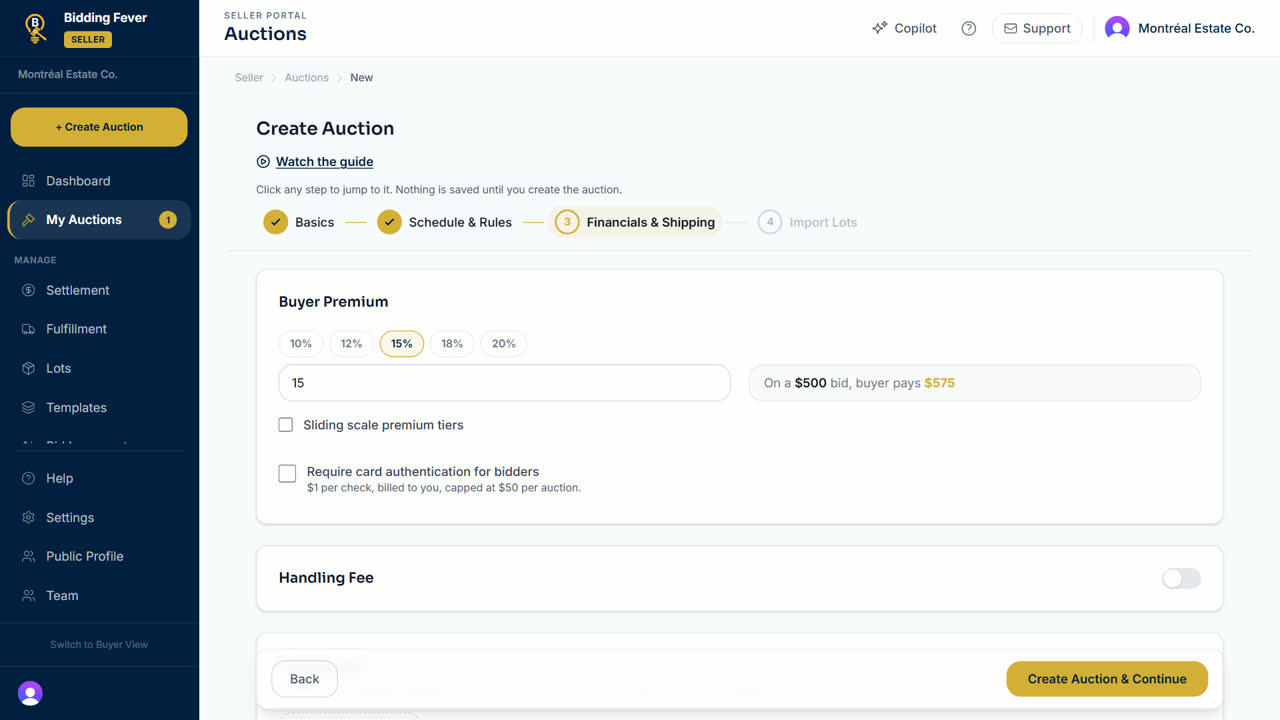
- Under the buyer premium, tick Require card authentication for bidders. The line under it repeats the price.
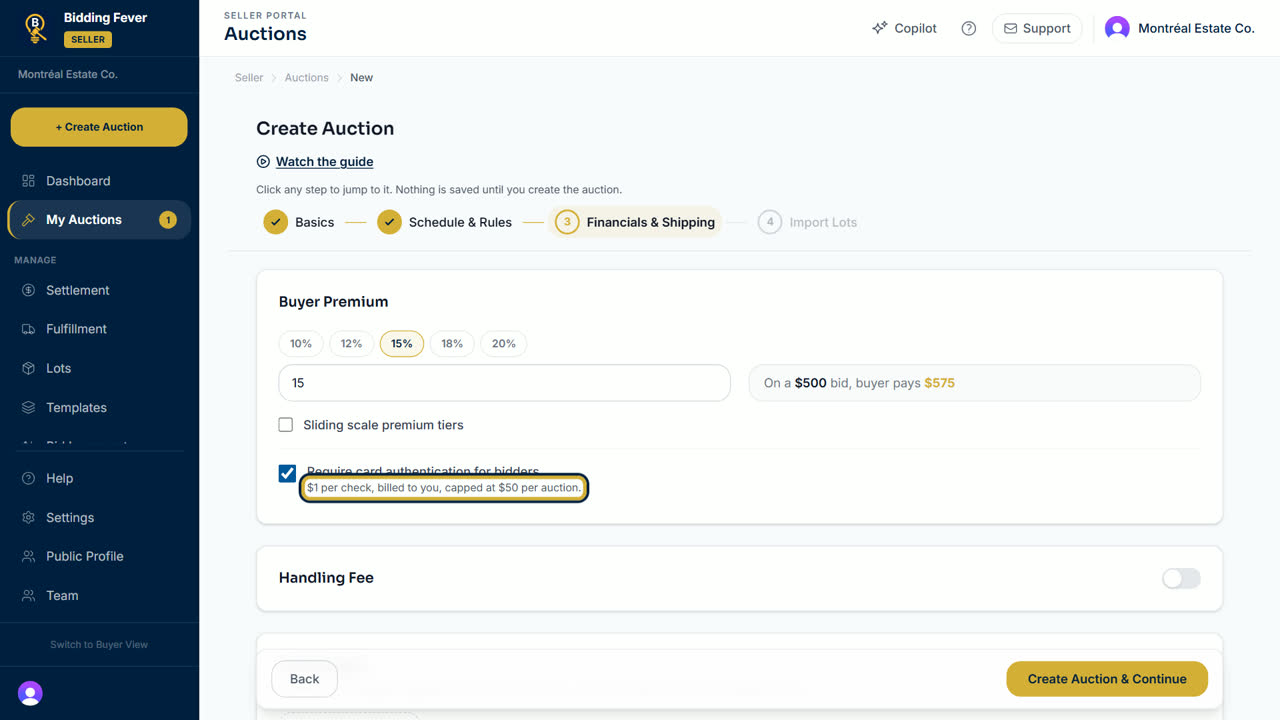
- Finish the wizard and select Create Auction & Continue.
See what you paid
- Open Reports in the seller menu.
- Under Platform charges, choose Card authentication charges, pick the dates, and select Run report.
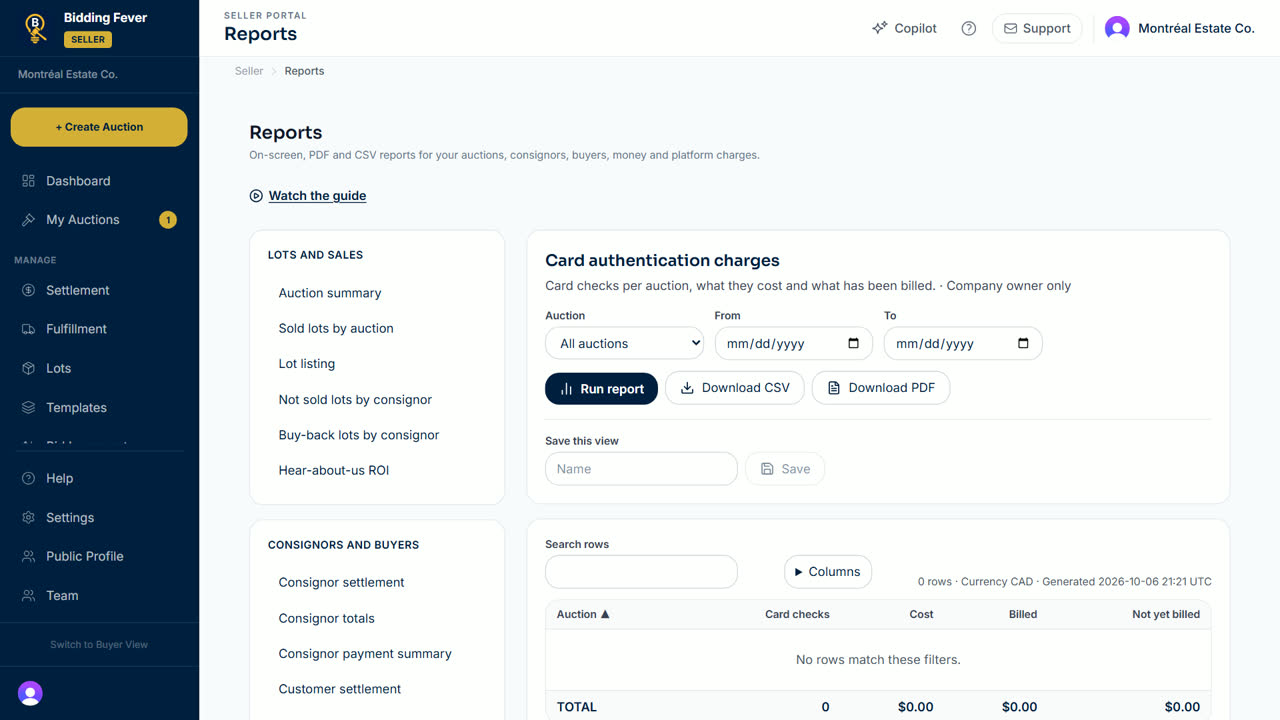
Tip: this report is for the company owner. Other team members do not see it.
Updated October 8, 2026