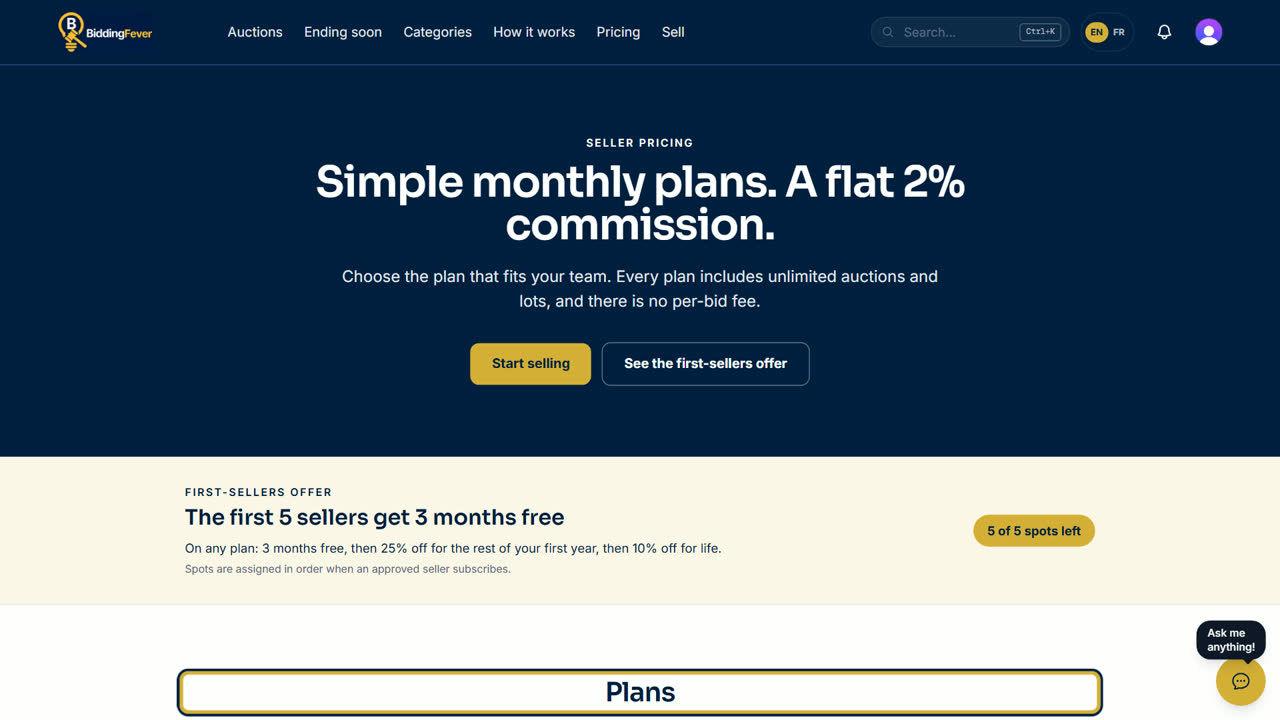
Every plan includes unlimited auctions and lots, a flat 2% commission on the hammer price you collect, and no fee per bid. Prices are in Canadian dollars, before tax.
The plans
- Solo: $99 a month, for one user
- Team: $145 a month, for 2 to 5 users
- Unlimited: $260 a month, for any number of users
The first-sellers offer
The first 5 approved sellers get 3 months free, then 25% off for the rest of the first year, then 10% off for life, on any plan. A spot is taken when you check out. If you cancel later, the offer ends for good.
Steps
- Your application must be approved first. Then sign in and open Settings in the seller portal.
- Find Your plan. The plan you chose in your application is marked.
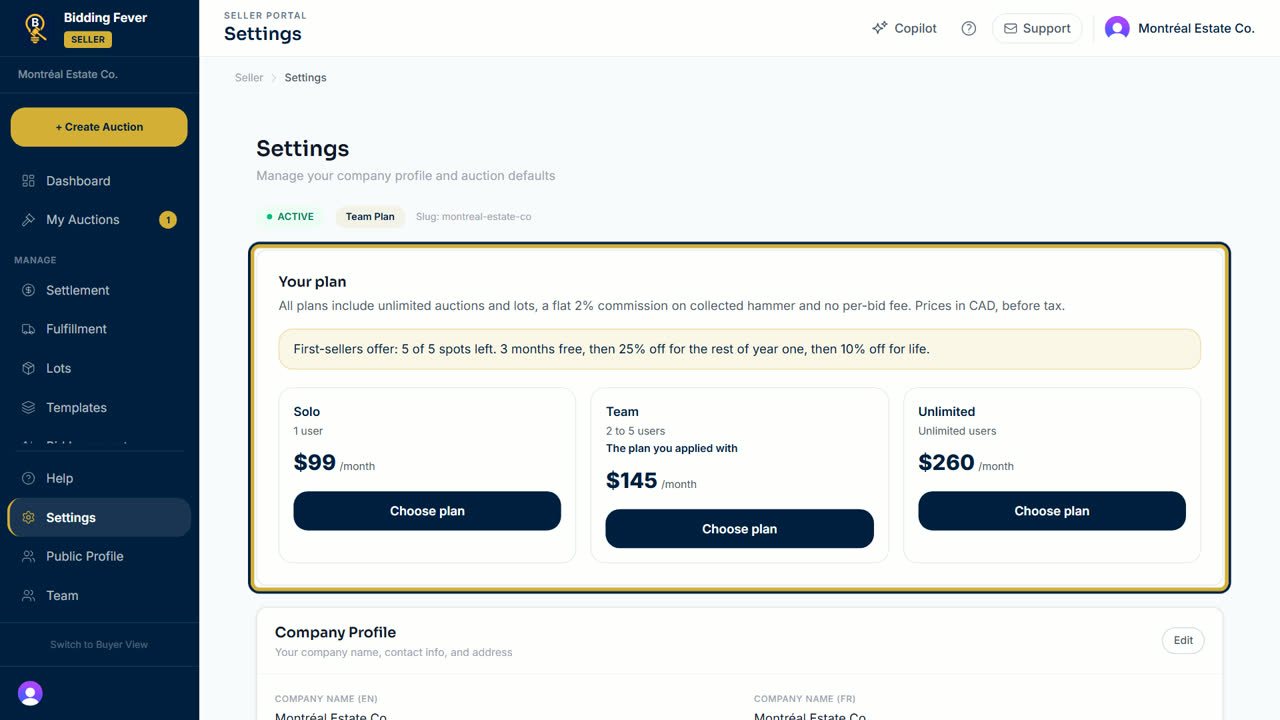
- Select Choose plan on the plan you want. A secure Stripe checkout page opens.
- If a first-sellers spot is left, you only save a card now and pay nothing during the free months. If not, you pay the monthly price.
- When you finish, you come back to Settings.
Change or cancel
- To move to another plan, select Change plan on it. The change takes effect right away and the difference is prorated on your next invoice.
- If your team is bigger than the new plan allows, you first choose who stays. See Team users and seats.
- To stop, select Cancel subscription. You keep access until the end of the paid period. Remaining days are not refunded.
Tip: only the account owner, or a team member allowed to manage the subscription, sees the plan buttons.
Updated October 8, 2026