Reports gathers eighteen reports in four groups: lots and sales, consignors and buyers, money and tax, and platform charges. Reports about money are for the company owner only and are marked that way.
Run a report
- Open Reports in the seller menu.
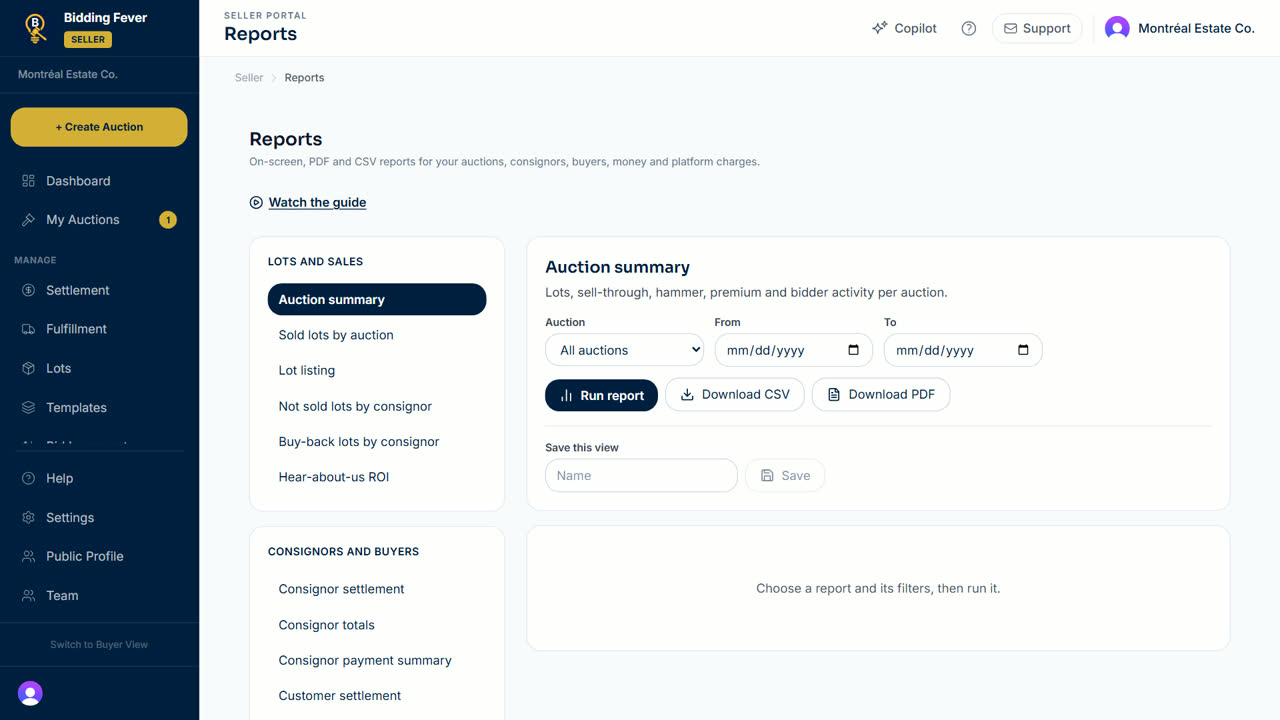
- Choose a report, for example Auction summary, Consignor settlement, Tax collected by date range or Monthly commission statement.
- Set the filters the report needs: Auction, From and To dates, or Consignor.
- Select Run report. The rows appear below.
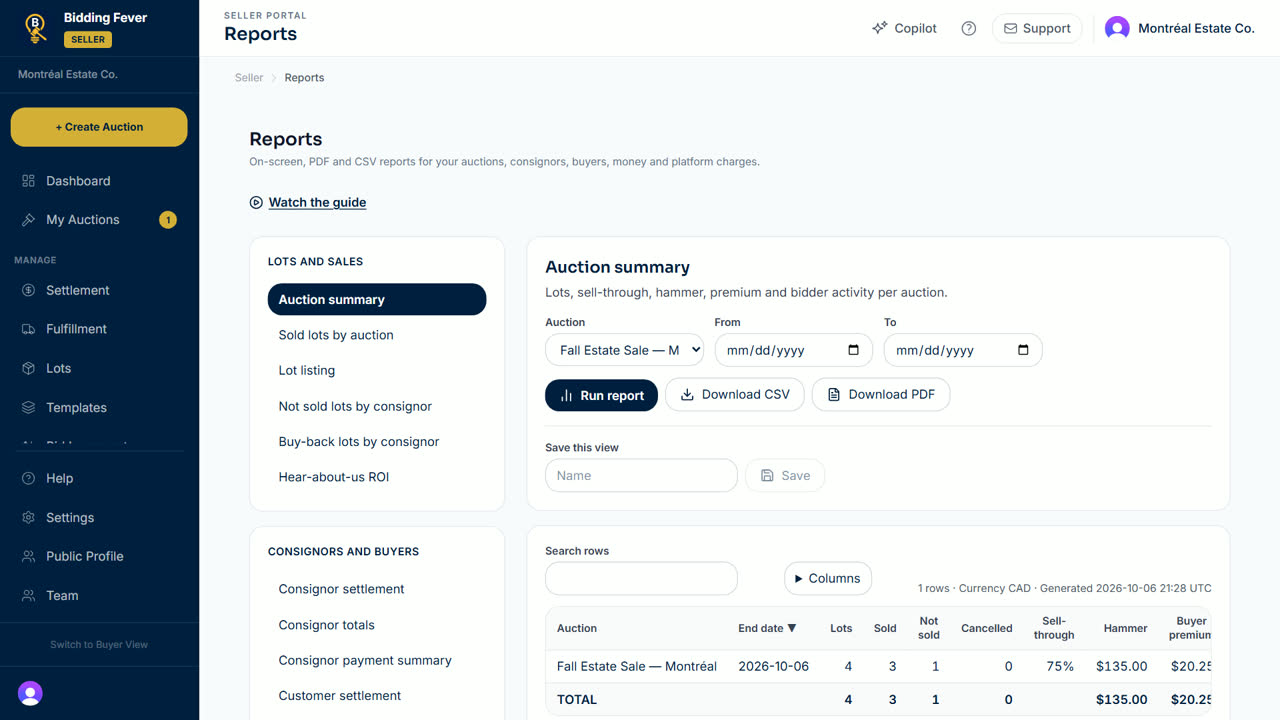
- Use Search rows to find a line, and Columns to hide the ones you do not need.
Download and save
- Select Download CSV for a spreadsheet, or Download PDF for a printable copy. Downloading needs the export permission on your team role.
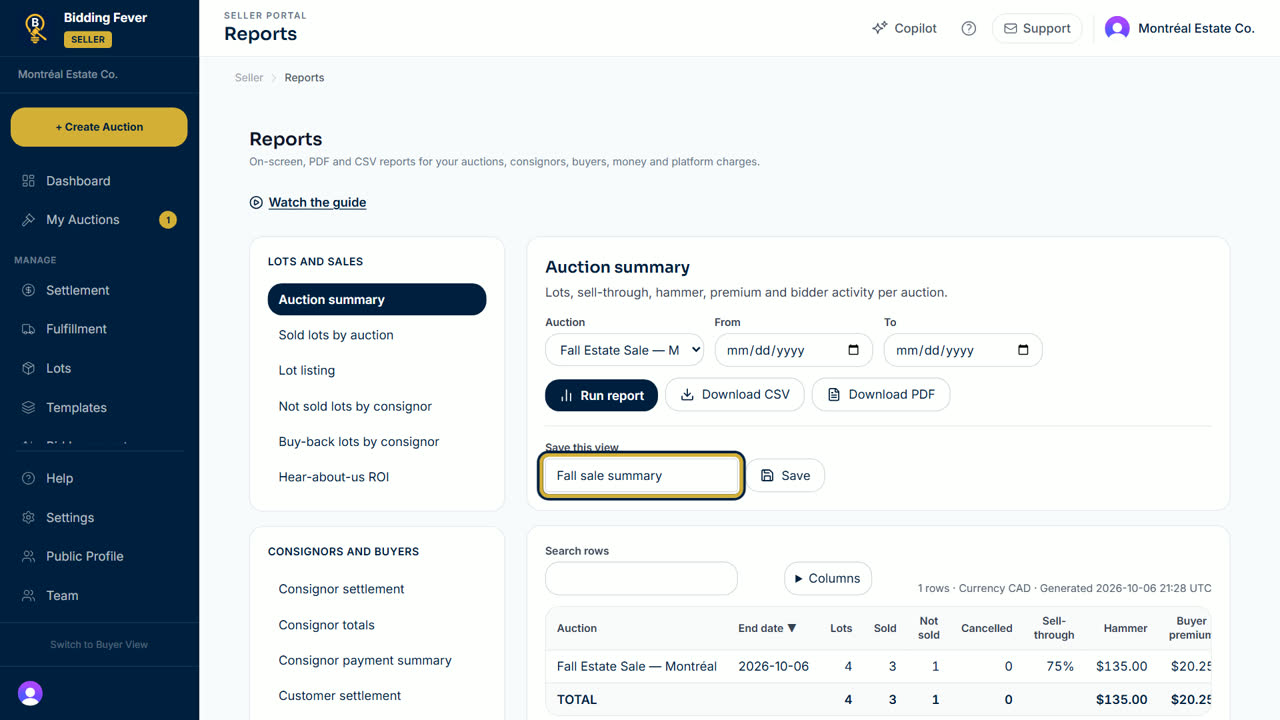
- To keep a set of filters, type a name under Save this view and select Save.
Payment Analytics
- The owner can also open Payment Analytics in the seller menu.
- Choose 7, 30 or 90 days to see known receipts, the platform fee and known seller proceeds.
- Select Export CSV to download the figures.
Tip: for your accountant, Income statement, Tax collected by date range and Payout reconciliation are the usual starting points.
Updated October 8, 2026