When someone bids more than you, we tell you, and you can answer in two taps.
How you are told
- On the lot page: the bid box shows Outbid! in red, with Raise your maximum bid to compete.
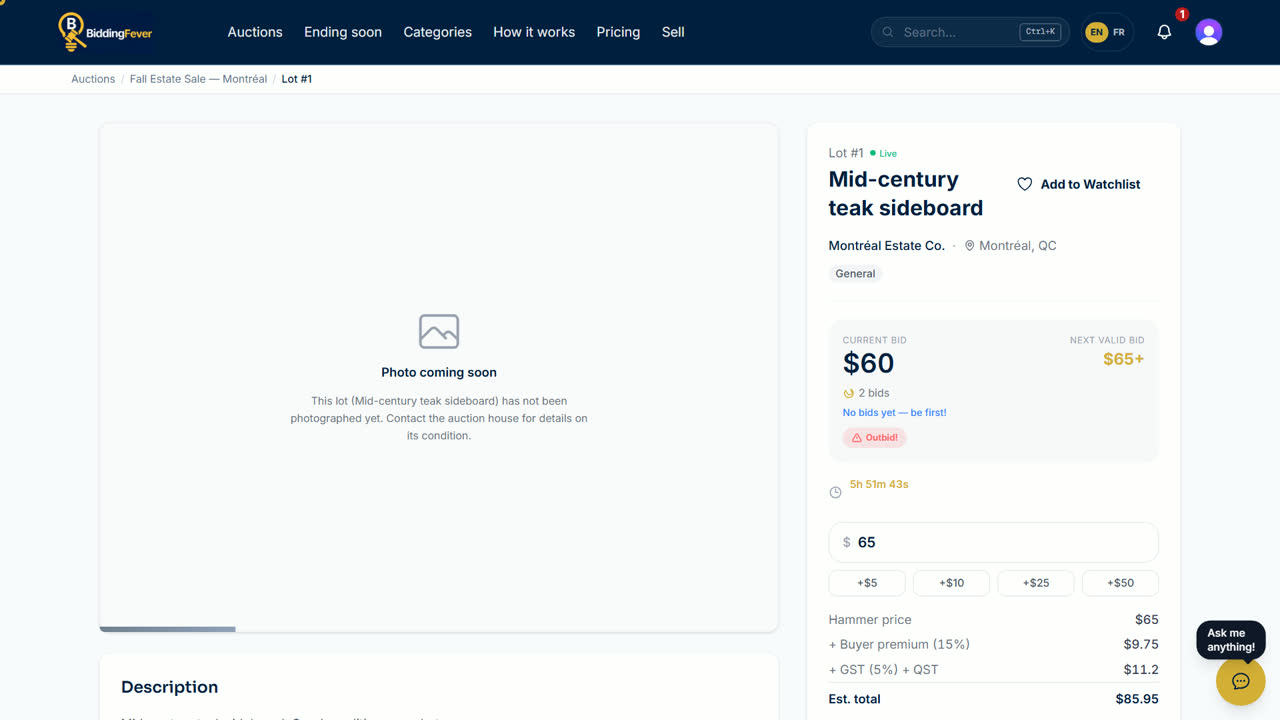
- By email: You have been outbid with the lot name and a Bid again button. You need email alerts on; see Put Bidding Fever on your phone and choose your alerts.
- By text message: only if you agreed to receive texts. Reply STOP to stop them.
- By push: in the Bidding Fever phone app.
Bid again in two taps
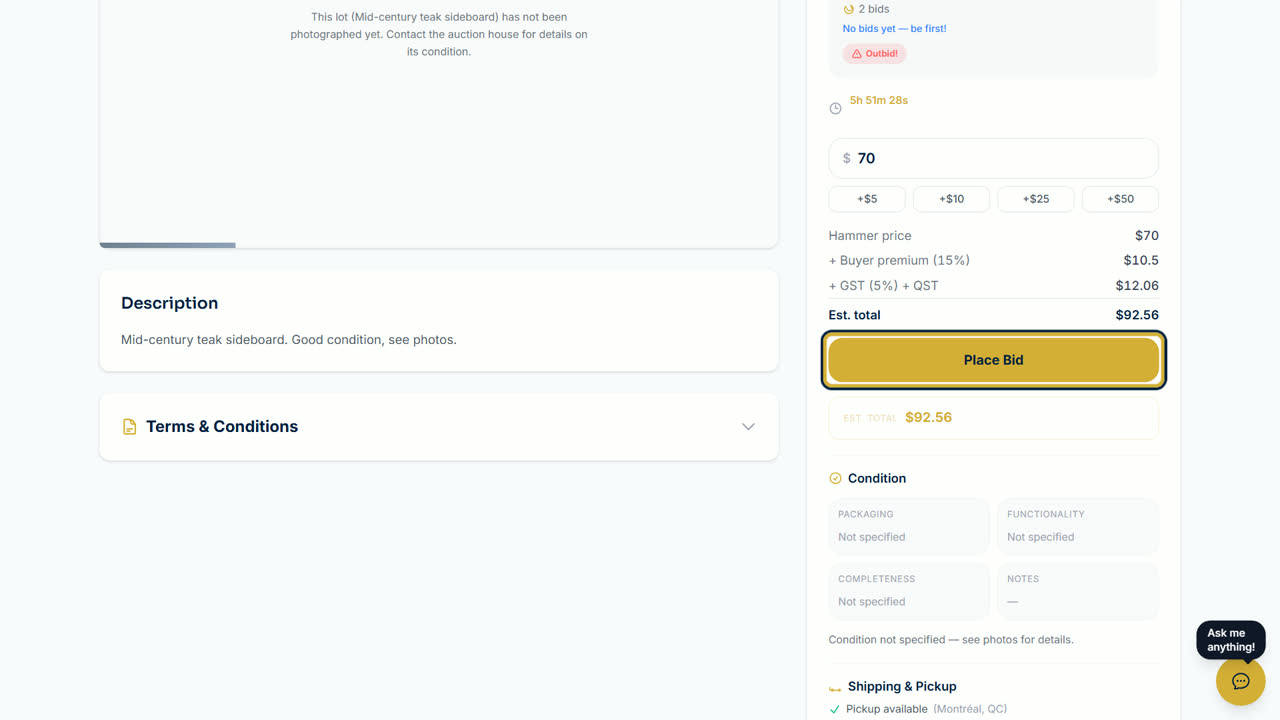
- On the lot page, tap a quick button such as +$5 to set your new amount.
- Tap Place Bid. That is it.
Bid again from a list
- On lot cards, for example in your Watchlist, an outbid lot shows Rebid with the next amount.
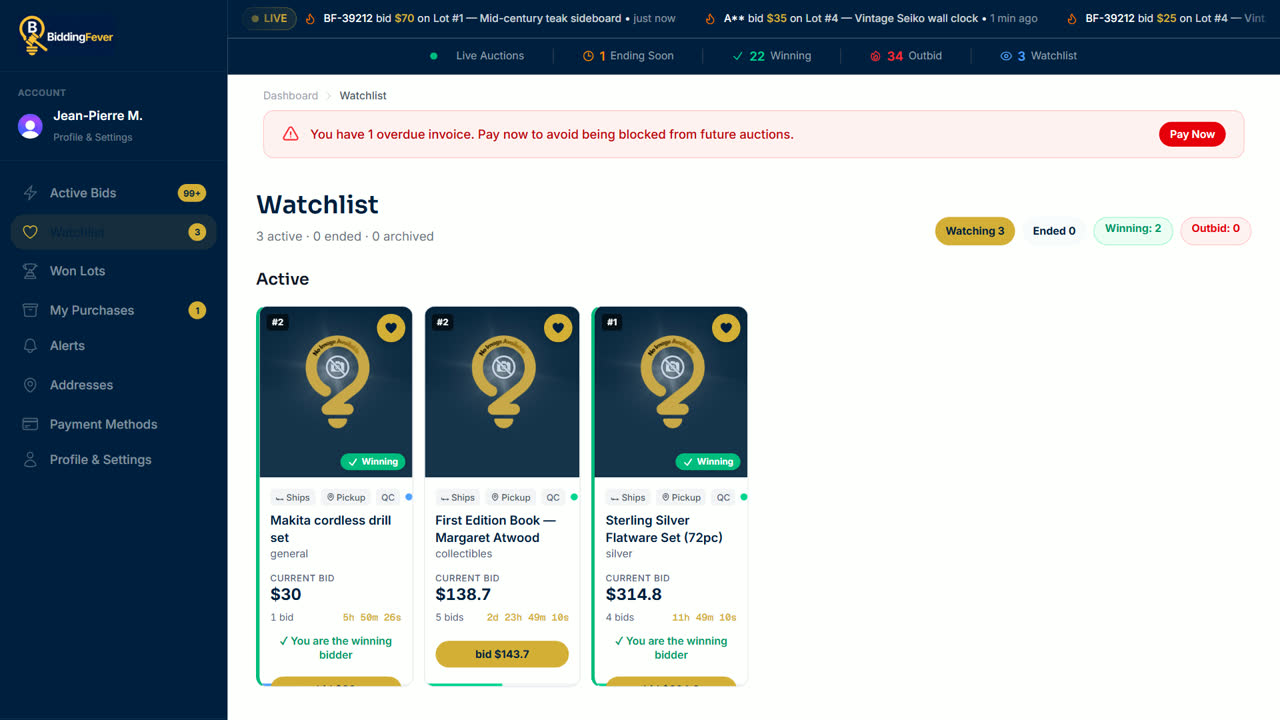
- One tap on Rebid places that bid at once. There is no second confirmation, so check the amount first.
- A message confirms Bid placed, or tells you if you were outbid again.
Tip: to stop being outbid by small steps, set a maximum bid while you lead. See Watch lots and place bids.
Updated October 8, 2026