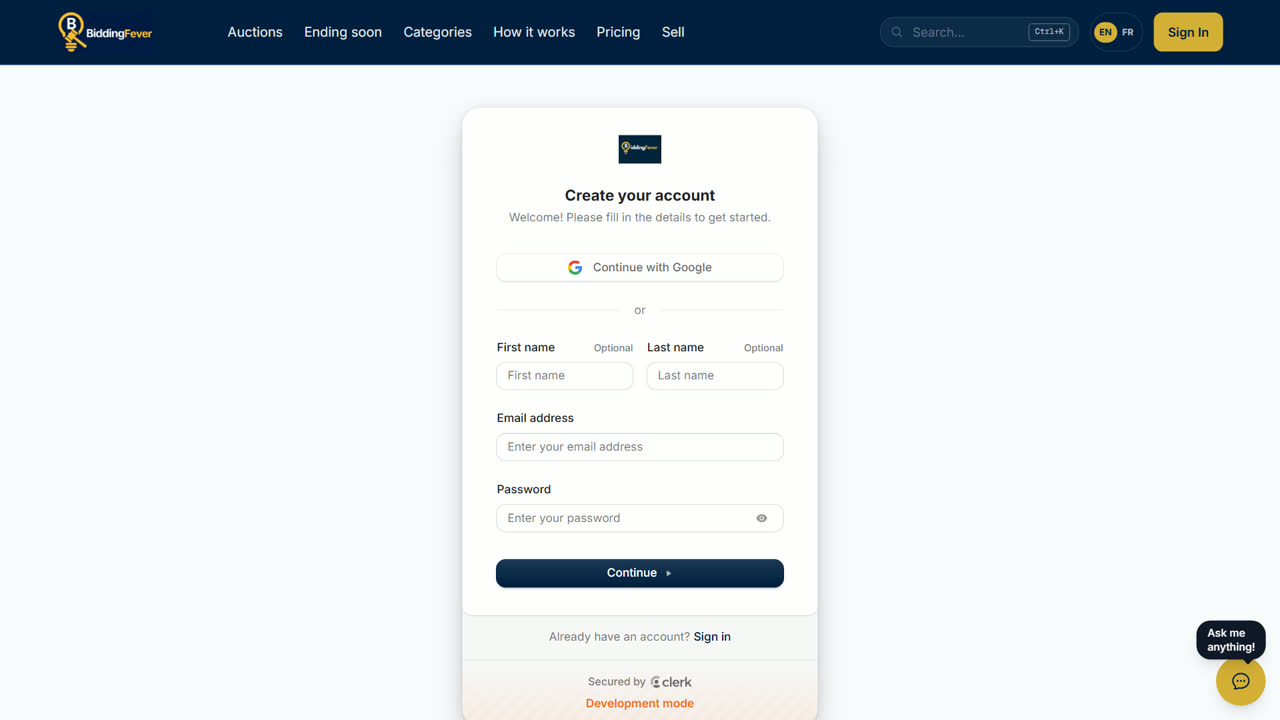
An account is free. To bid, you also need a card on file, and you register once for each auction the first time you bid in it.
Create your account
- Use an email address you check: we send your outbid and winning messages there.
Register for an auction
- Open a lot, enter your bid in the bid box, and select Place Bid.
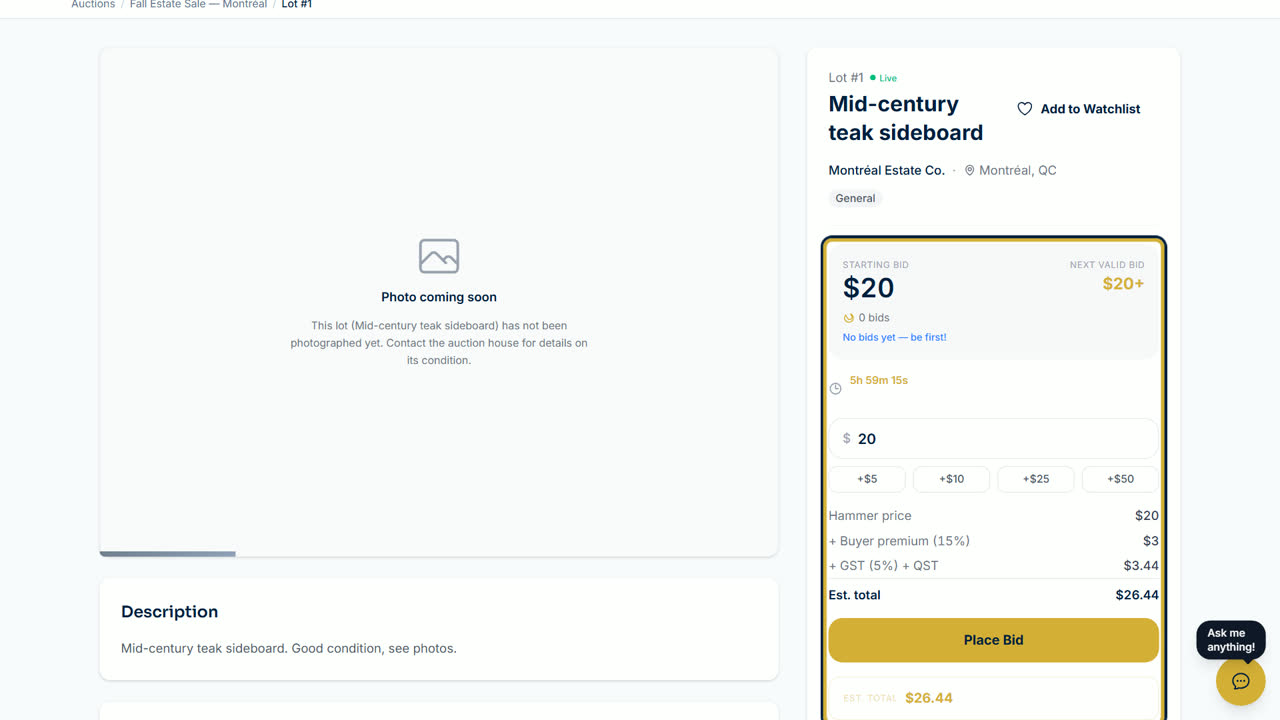
- The first time you bid in an auction, a short form opens: Before you bid on the lot.
- Payment verification: pick your saved card, or select Add a card. A card is required to bid.
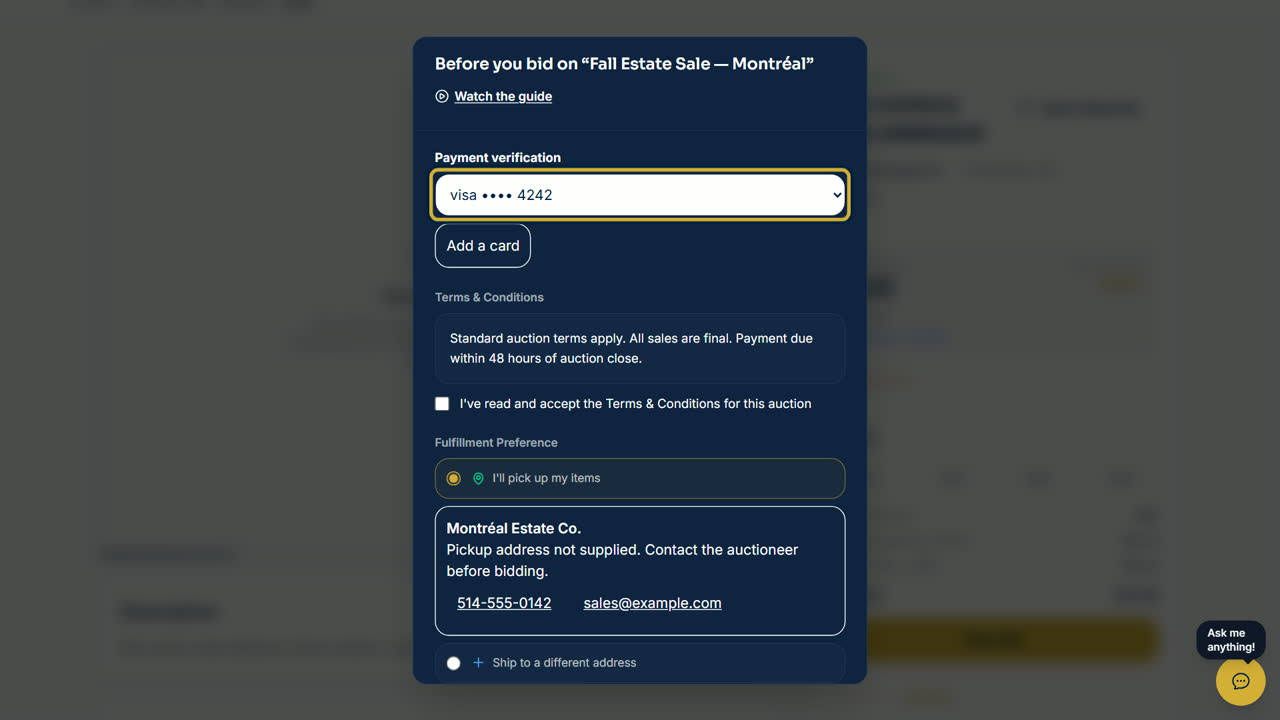
- Read the auction's terms and tick I've read and accept the Terms & Conditions for this auction.
- Under Fulfillment Preference, choose to pick up your items or to have them shipped, if the auction offers shipping.
- Answer How did you hear about this auction? You can add a note to the auctioneer.
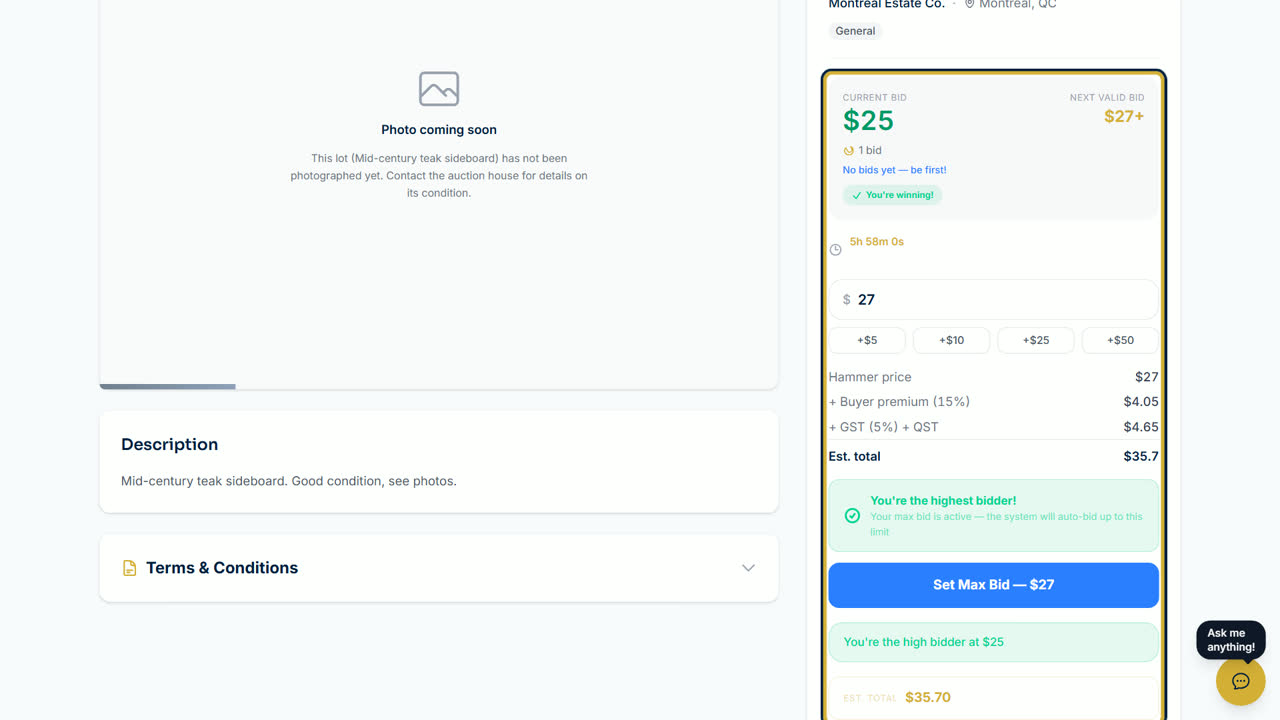
- Select Confirm & Place Bid. Your bid is placed and you are registered for the whole auction.
Good to know
- Some auctions ask for a card check: a small amount is held on your card and released right away. You are not charged.
- To bid more than $1,000, you verify your phone number with a code we text you.
- If the platform terms change, you are asked to review and accept them the next time you sign in.
Updated October 8, 2026