When an auction closes and you have the highest bid on a lot, you win it. You get one invoice per auction for everything you won.
When you win
- The lot page shows You won this lot! with a View Invoice link. If the invoice is still being prepared, it says Invoice pending.
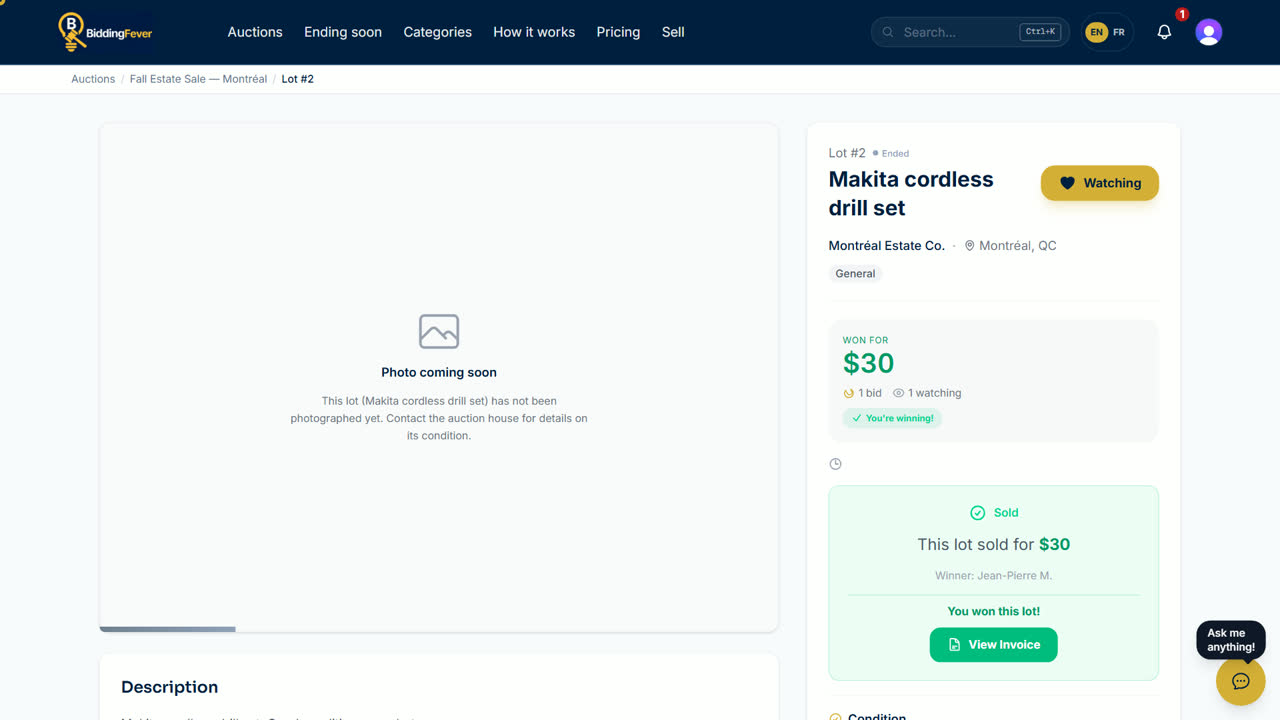
- All your wins are under Won Lots in your account.
Your invoice
- Open My Purchases in your account and select the invoice.
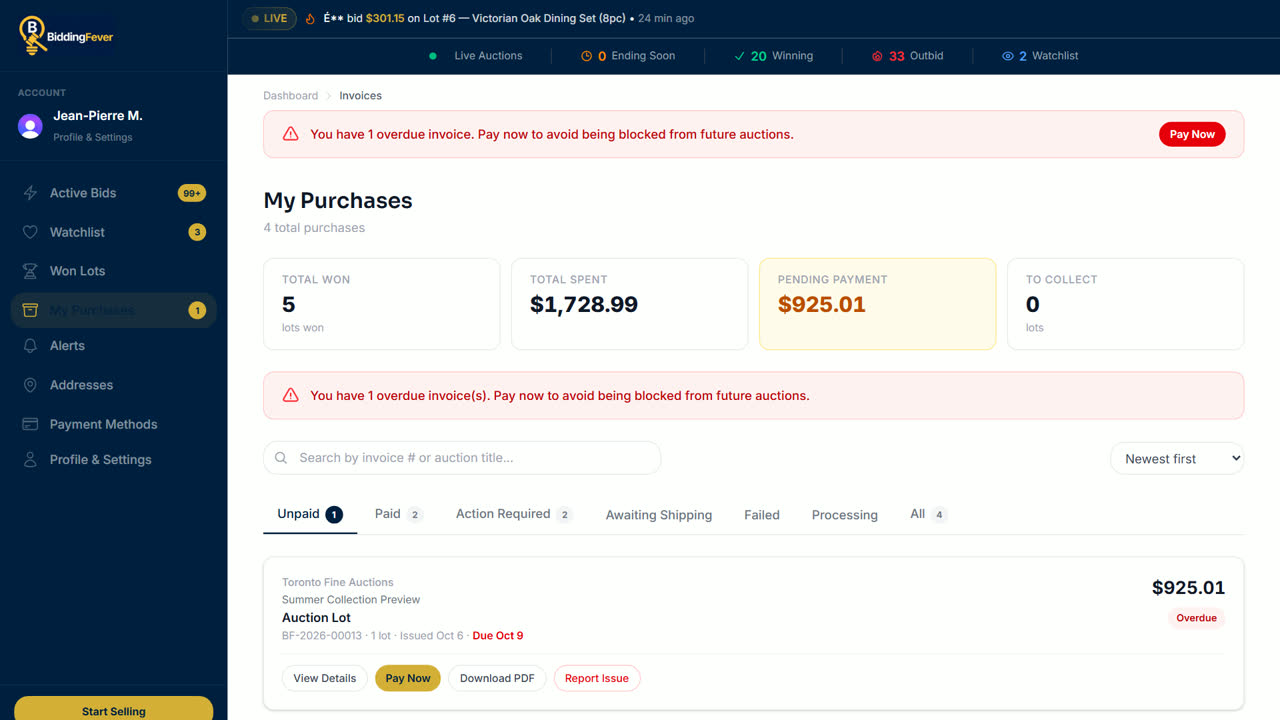
- The invoice lists each lot's hammer price, the buyer premium, fees, tax for your province and shipping, if any, and the total.
Pay it
- Under Pay with Card, select Pay Now, enter or confirm your card, and pay.
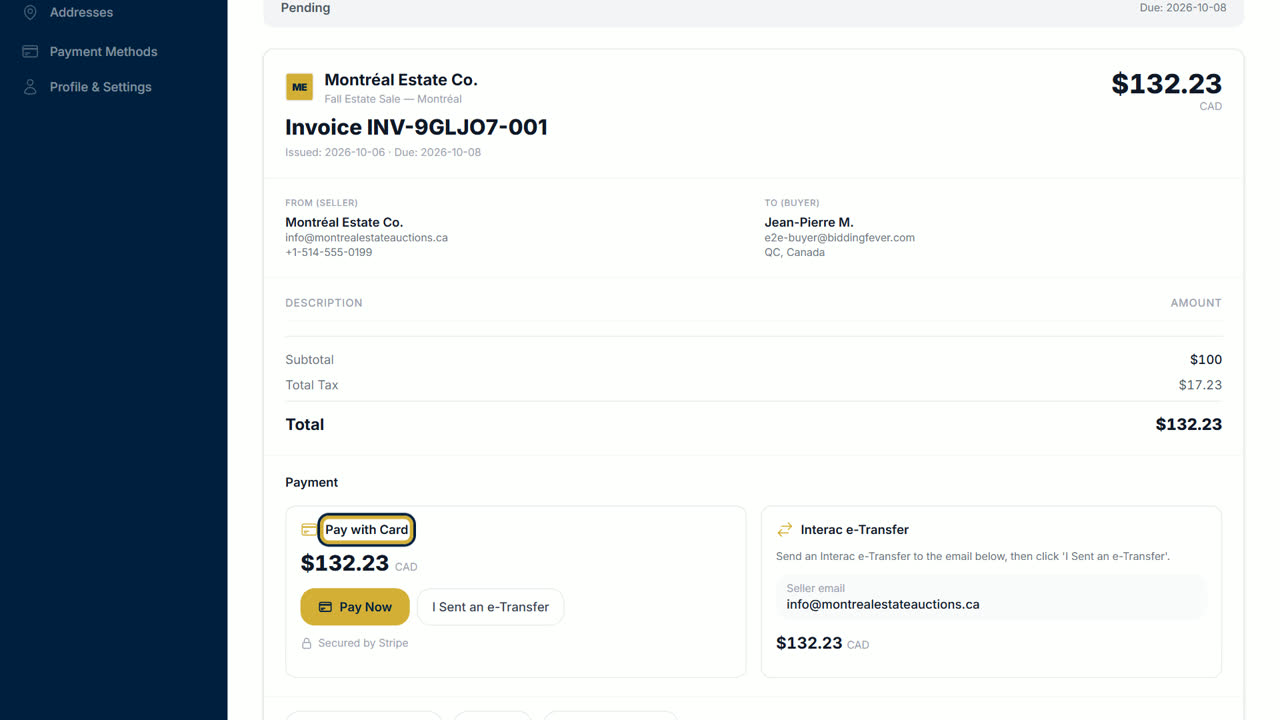
- If you paid the auction house by Interac e-Transfer, select I Sent an e-Transfer so they can match it.
- Some auctions charge the card you registered with automatically when the auction closes. The invoice then shows as paid.
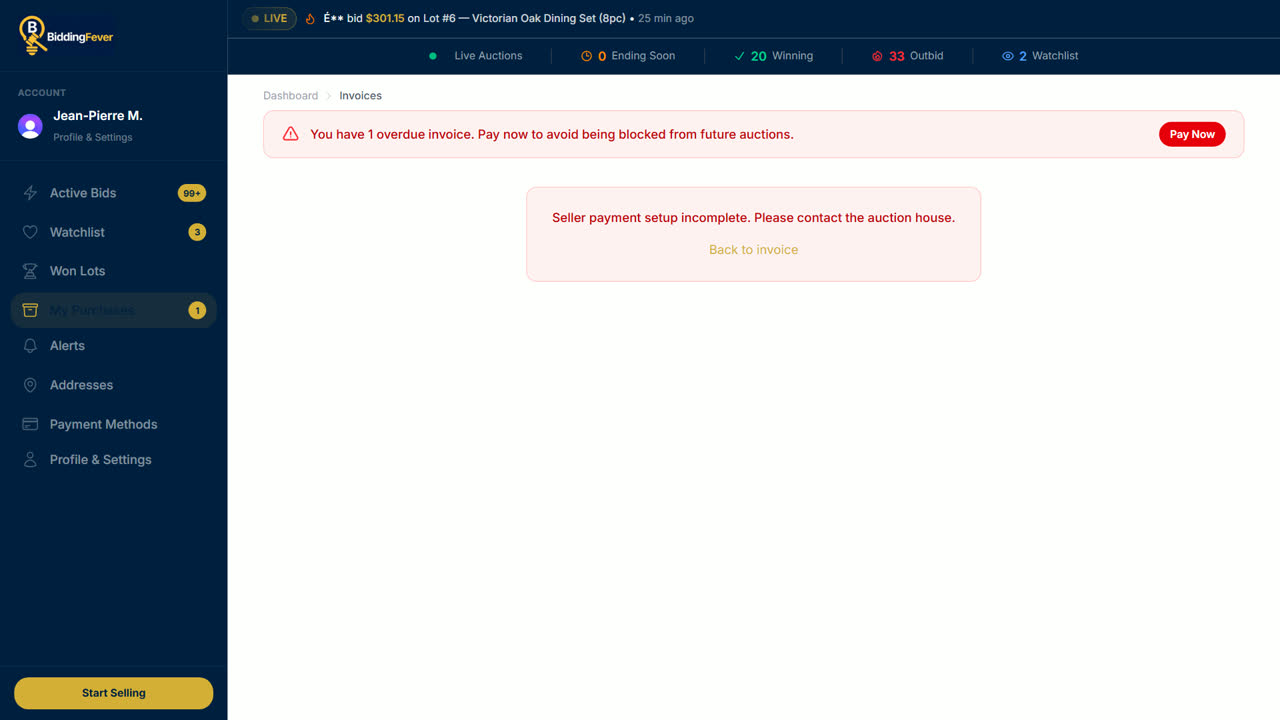
- If you see Seller payment setup incomplete. Please contact the auction house., the auction house cannot take card payments yet. Nothing was charged. Contact the auction house to pay another way.
After you pay
Pay before the deadline on your invoice. Then pick up your items at the time and place the auction house gives, or follow your parcel: see Track your shipment.
Updated October 8, 2026